Free extension for Google Chrome

Your quiet desk on every new tab

Sticky notes on a calm wallpaper, your notes and folders in a sidebar, and your favorite sites one click away. No account to create, nothing to set up.

  • No account
  • No ads or tracking
  • Syncs through your Chrome account
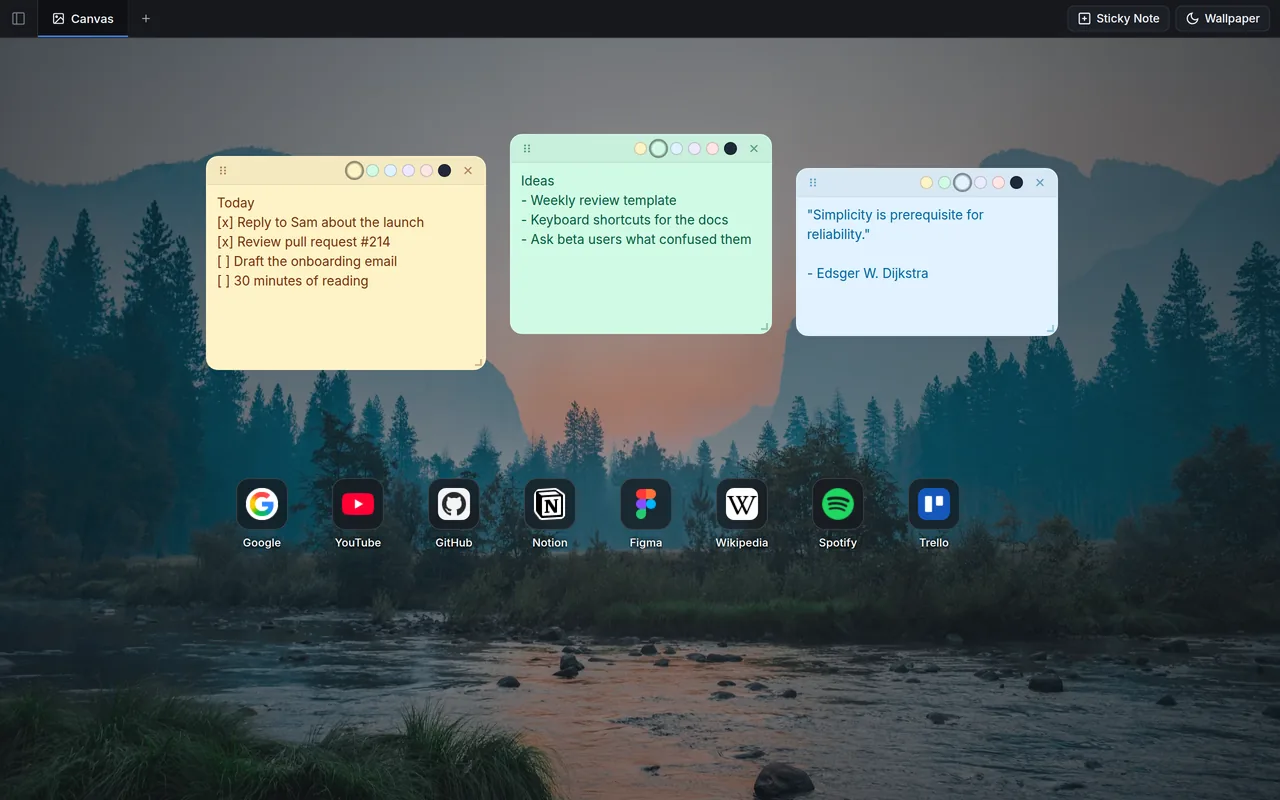
A Chrome new tab with NativeChrome: three sticky notes and a row of site shortcuts over a mountain lake wallpaper.

Everything you reach for, on the page you open most

You open dozens of new tabs a day. NativeChrome makes each one a calm place to jot something down, find a note or jump to a site.

Sticky notes

Sticky notes that stay where you put them

Add a note with one click or Ctrl + Shift + S, then drag it anywhere on the canvas.

  • Resize from the corner and pick from six colors
  • Close a note to tuck it away; it stays listed in the sidebar
  • Click a closed note in the sidebar to bring it back
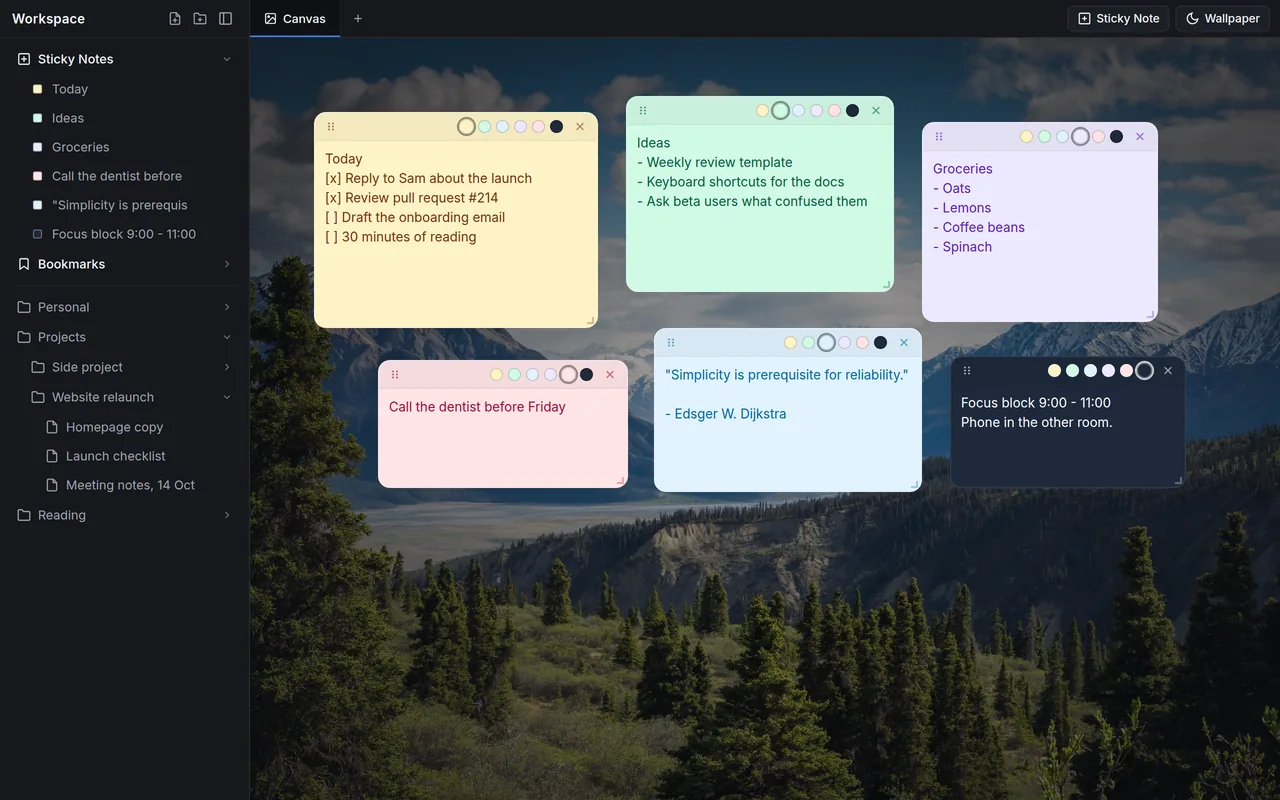
Six sticky notes in different colors on a forest wallpaper, with the same notes listed in the sidebar.
Notes and folders

Notes and folders, one tab away

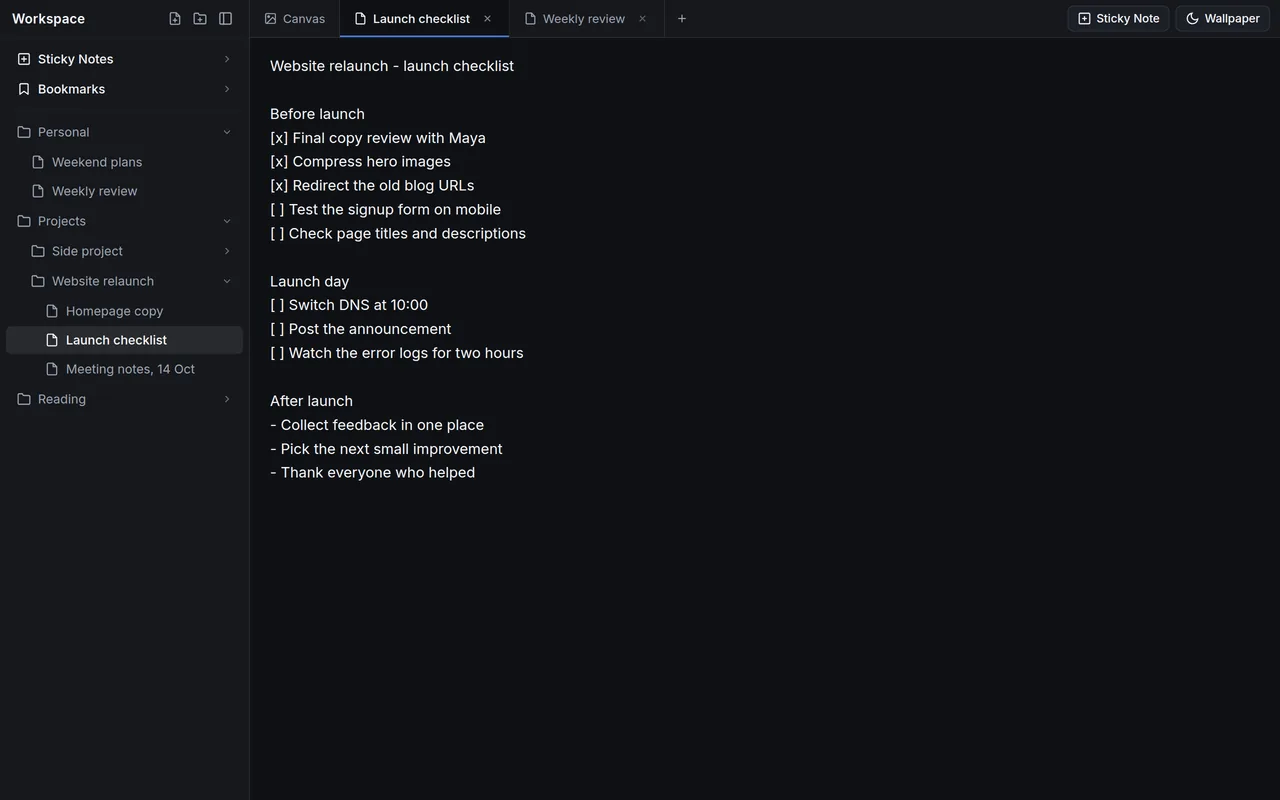
Longer notes live in the sidebar. Open them in tabs next to the canvas and write; every word saves as you type.

  • Create notes and folders right in the sidebar
  • Nest folders inside folders and rename anything with a double-click
  • Drag notes between folders; everything stays sorted alphabetically
A launch checklist note open in a tab, with nested folders of notes in the sidebar.
Bookmarks and shortcuts

Your bookmarks, right on the canvas

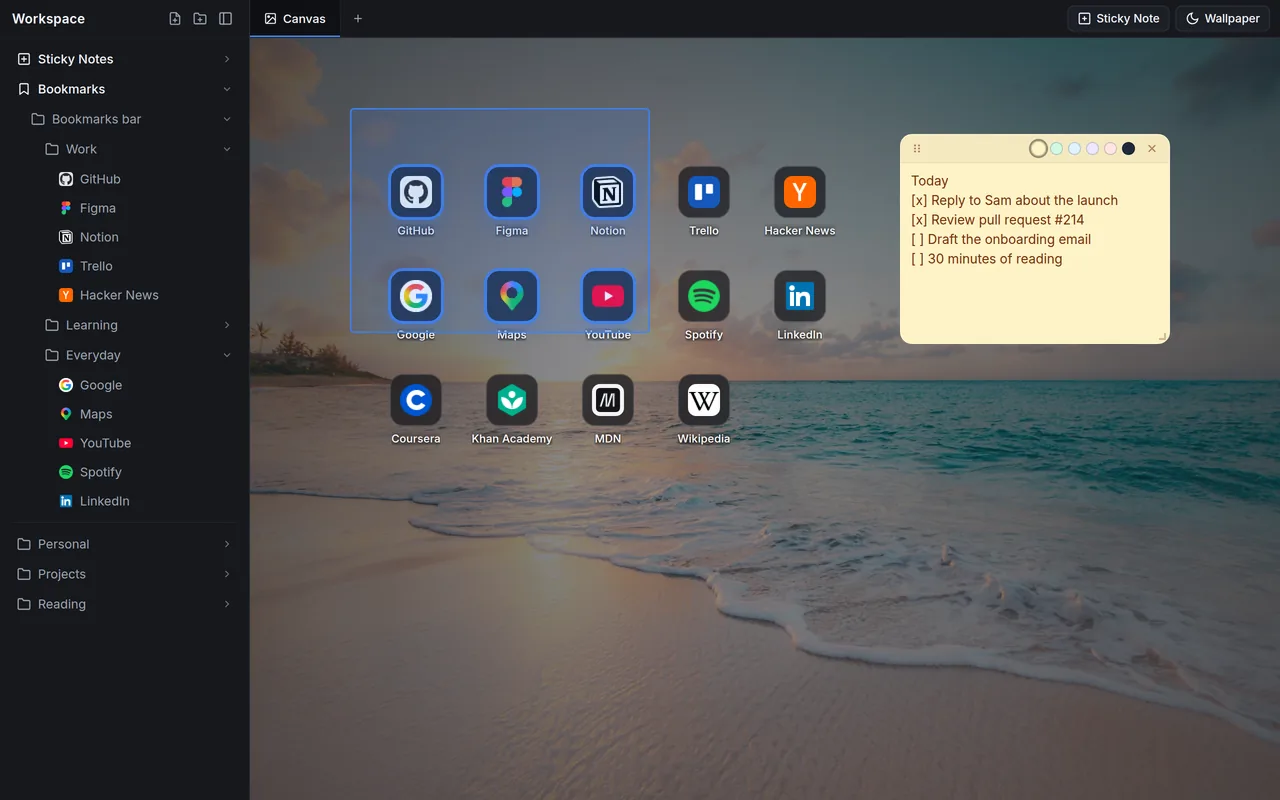
Browse and edit your Chrome bookmarks from the sidebar, then drag any bookmark, note or folder onto the canvas to pin it as a shortcut.

  • Add, edit, rename, move and delete bookmarks and folders
  • Shortcuts snap to a tidy grid
  • Select several with a drag box, move them together, or press Delete
Bookmark folders in the sidebar and a grid of site shortcuts on a beach wallpaper, six of them selected with a drag box.
Wallpapers

A calm place to start

Eight curated wallpapers, one click to switch. Hide the sidebar with Ctrl + B for a clean canvas, and drag its edge to make it wider or narrower.

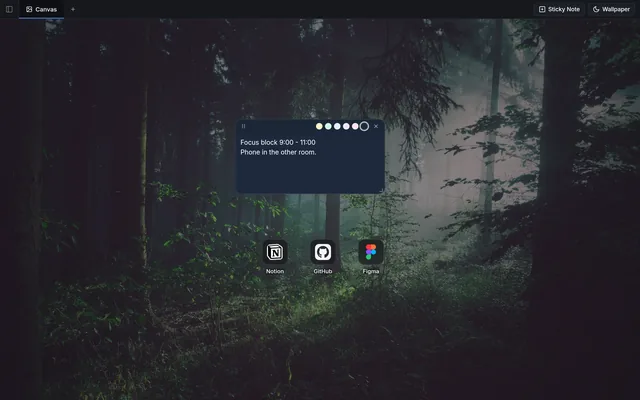
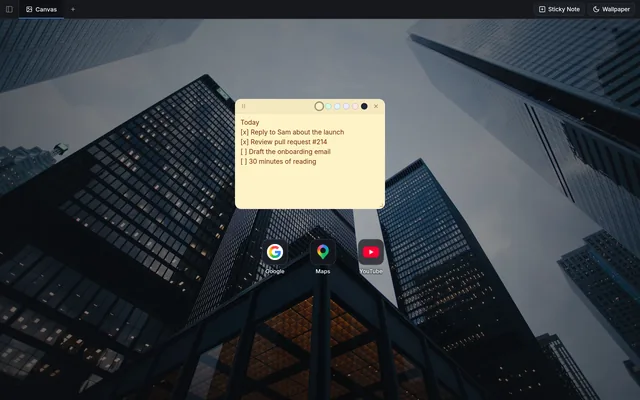
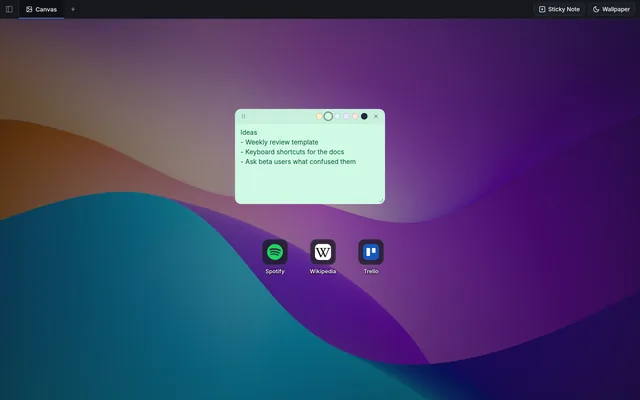
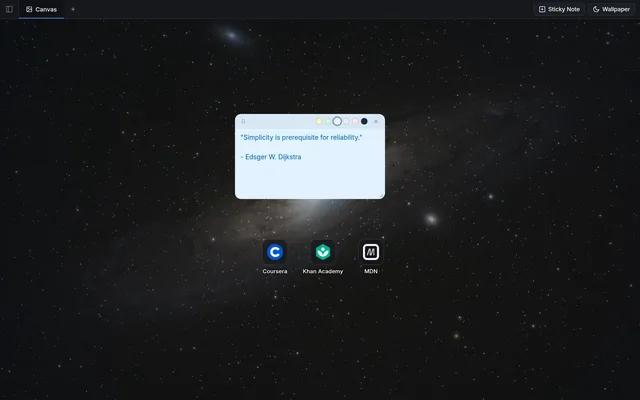
Misty forest wallpaper with a dark sticky note and three shortcuts. City towers wallpaper with a yellow sticky note and three shortcuts. Purple abstract wallpaper with a green sticky note and three shortcuts. Starry night sky wallpaper with a blue sticky note and three shortcuts.

Synced through Chrome. Seen by no one else.

Follows you to your other computers

When Chrome sync is on, your workspace syncs through your own Chrome account, so your notes are there when you sign in to Chrome on another computer.

Chrome gives each extension about 100 KB of sync space. NativeChrome compresses your workspace to fit as much as it can. If you go past the limit, it tells you, pauses syncing and keeps everything saved on this computer.

Private by design

  • No account, no analytics, no ads, no tracking
  • Your notes stay in Chrome's own storage and your own Chrome sync; Gkernel never receives them
  • Site icons come from Chrome's own icon cache, so the sites you use are never sent anywhere
  • The only outside requests are the wallpaper images, loaded from Unsplash
Read the privacy policy

Keyboard shortcuts

On a Mac, use Cmd in place of Ctrl.

  • New sticky noteCtrl + Shift + S
  • Show or hide the sidebarCtrl + B
  • Remove the selected shortcutsDelete or Backspace

Questions

Is NativeChrome free?

Yes. It is free to install and use, with no account, no ads and no paid tier.

Where are my notes stored?

In Chrome's own extension storage on your computer. When Chrome sync is on, Chrome also keeps a compressed copy in your Chrome account so your notes reach your other computers. NativeChrome has no server of its own, so Gkernel never sees your notes.

What happens if my workspace gets too big to sync?

The sidebar shows a notice, syncing pauses, and everything stays saved on the computer you are using. Nothing is deleted. Trim a few large notes and syncing picks up again.

How do I get Chrome's normal new tab back?

Open chrome://extensions and switch NativeChrome off. Switching it off keeps your notes for later. Removing it deletes the notes it saved on that computer, so copy anything you want to keep first.

What's new

2.1.015 October 2026

  • Sync is more reliable: long notes no longer disappear after a reload, and work that 2.0 left behind is recovered.
  • Site icons now come from Chrome's own icon cache instead of outside icon services. Very dark icons get a light backing so they stay visible.
  • The sidebar tells you when your workspace outgrows Chrome's sync space.
  • New name: NativeChrome, your quiet desk on new tab.

2.0.014 October 2026

  • First public release on the Chrome Web Store.

Make your next new tab a quiet one

Free on the Chrome Web Store. Takes a few seconds to add.

Add to Chrome